
- Your cart is empty
- Continue Shopping


Starlink Gen 2 Mesh Wi-Fi Router
The Starlink Gen 2 Mesh Wi-Fi Router extends Wi-Fi coverage across larger homes or offices by working alongside your existing Starlink router as a mesh node, eliminating dead zones without needing to run additional Ethernet cabling.
Why the Gen 2 Mesh Router stands out
Mesh networking lets multiple router units share a single Wi-Fi network seamlessly, so devices automatically connect to whichever node gives the strongest signal as you move through the house — no manual network switching required. This is particularly useful in larger homes, multi-storey buildings, or properties with thick walls where a single router struggles to reach every room. Setup integrates directly with the Starlink app, keeping configuration straightforward even for non-technical users.
Why buy from City Tech?
City Tech is an authorised Starlink hardware provider in Kenya, with professional installation and setup support available. Order online for delivery across Kenya, or visit our shop on Moi Avenue, Nairobi.
KEY FEATURES
- Mesh networking: Seamless Wi-Fi coverage across multiple rooms and floors
- Automatic node switching: Devices connect to the strongest signal automatically
- No extra cabling required: Wireless mesh backhaul between nodes
- Starlink app integration: Simple setup and management
- Ideal for larger properties: Eliminates Wi-Fi dead zones
TECHNICAL SPECIFICATIONS
| Specification | Detail |
|---|---|
| Brand | Starlink |
| Model | Gen 2 Mesh Wi-Fi Router |
| Function | Mesh Wi-Fi extension node |
| Setup | Starlink app integration |
| Warranty | Manufacturer warranty |
WHAT’S IN THE BOX
- Starlink Gen 2 Mesh Router
- Power cable
- Basic user documentation
Related products
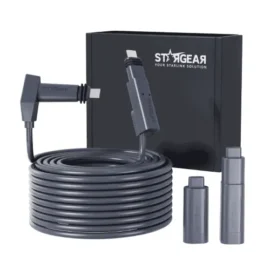
Starlink Actuated Gen2 46m Replacement Cable
KSh 15,999.00
Starlink Gen 3 Wall Mount
KSh 8,999.00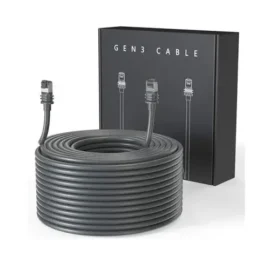
Starlink Gen 3 45M Cable
KSh 20,499.00
Starlink Mini Tripod Stand
KSh 14,000.00
Starlink Installation Services
Price range: KSh 7,499.00 through KSh 10,499.00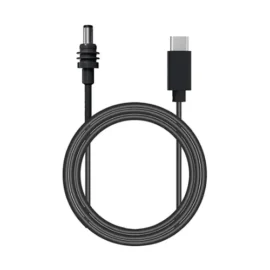
Starlink Mini DC to Type C 5M Cable
KSh 6,499.00
Starlink V3 Router
KSh 28,499.00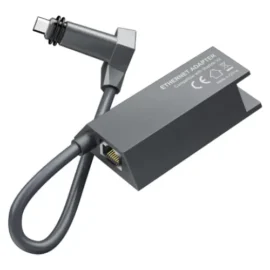
Reviews
There are no reviews yet.