
- Your cart is empty
- Continue Shopping

Starlink
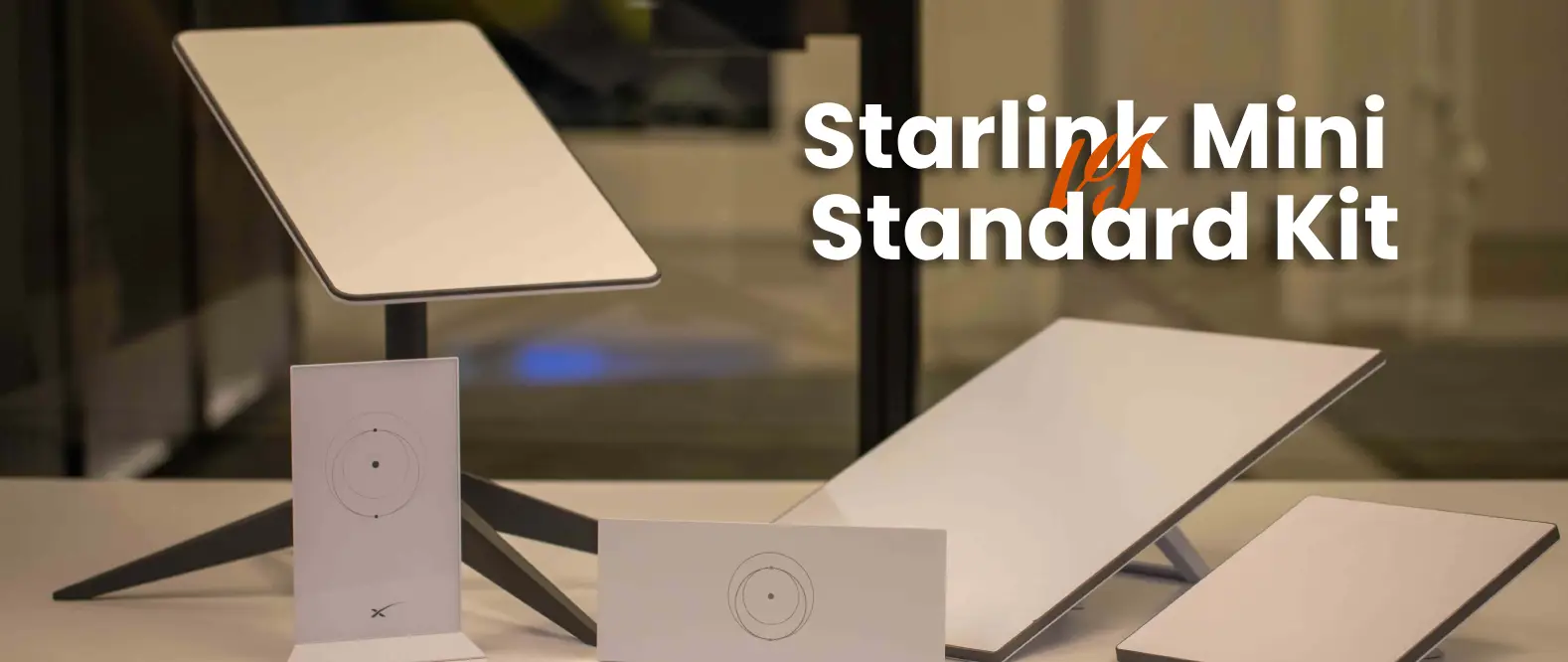
Starlink Mini vs. Standard Kit: Which Portable Dish Is Right for Your Setup?
-
By cityzen
- Posted on
- 0 comments
Starlink has quietly become one of the most talked-about internet options in Kenya — from lodges in the Maasai Mara with zero fiber access, to Nairobi apartments tired of unreliable ISPs, to overlanders who need signal on the move. But once you’re ready to buy, the first real decision is which kit: the ultra-portable Starlink Mini or the full-size Starlink Standard Kit. Here’s how to choose.
The Core Difference: Portability vs Raw Performance
Both kits connect to the same Starlink satellite network, but they’re built for different jobs. The Mini prioritizes size, weight, and power efficiency. The Standard Kit prioritizes maximum speed and a stronger, more stable connection for a fixed location. Neither is “better” outright — it depends entirely on your setup.
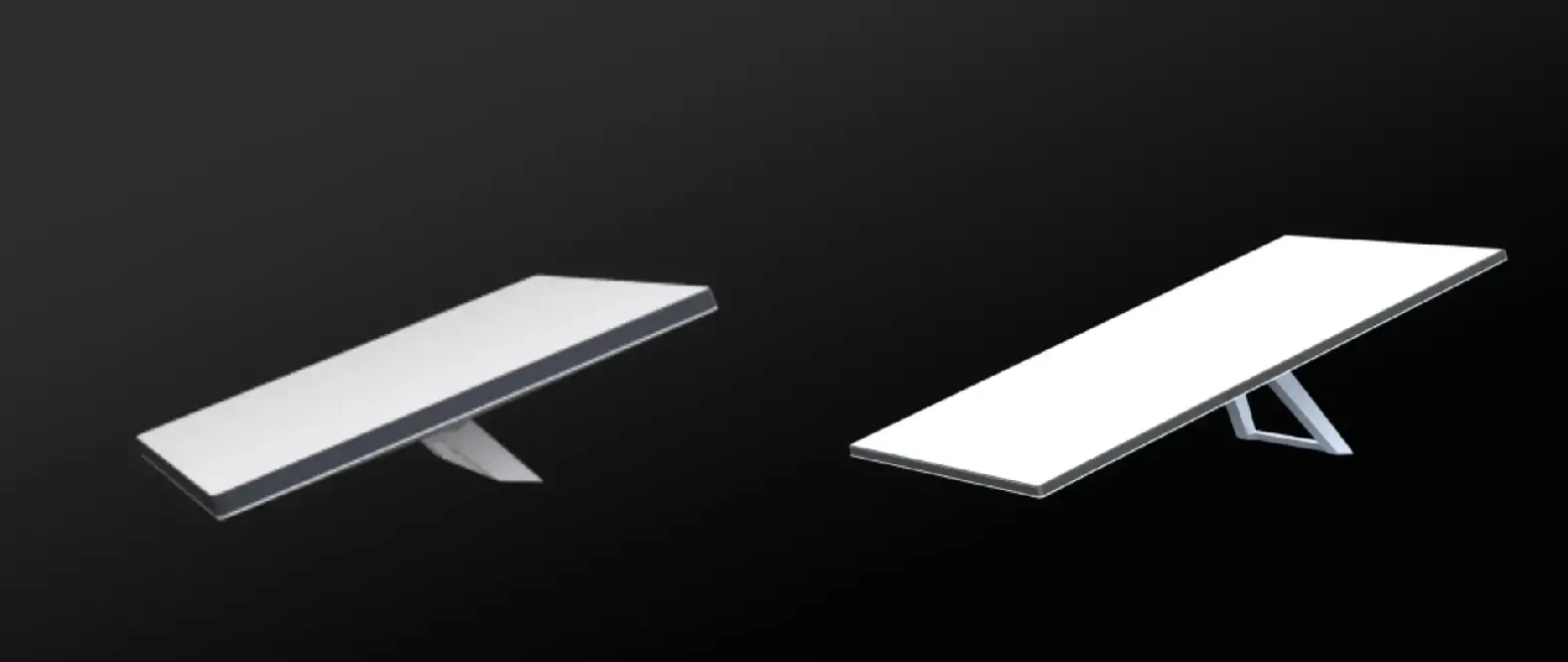
Starlink Mini: Built for Movement
- Compact, lightweight design — small enough to fit in a backpack or vehicle glovebox
- Integrated Wi-Fi router built into the dish itself, no separate router box to carry
- Runs on low-power DC input, making it ideal for solar setups, power banks, or a vehicle’s 12V outlet
- Quick to set up and pack away — point it at open sky and you’re online in minutes
- Typical Kenyan retail price: KES 45,000 – 55,000 for the kit, plus a monthly data plan
Ideal for: overland trips, field technicians, safari camps that move seasonally, or anyone who wants internet that travels with them rather than staying fixed at one address.
Starlink Standard Kit: Built for a Fixed Home or Office
- Larger dish surface area captures a stronger signal and delivers noticeably higher peak speeds
- Separate router (Gen 3 / V4) designed for whole-home Wi-Fi coverage, not just a single small room
- More consistent performance under heavy simultaneous use — video calls, streaming, and downloads running at once
- Mains-powered, so it needs a stable AC supply (or a UPS during outages) rather than running off a battery pack
- Typical Kenyan retail price: KES 65,000 – 85,000 for the kit, plus a monthly data plan
Ideal for: a permanent home or office installation, especially where several people are working, streaming, or gaming on the same connection at once.
Speed & Reliability Compared
On paper, the Standard Kit’s larger dish typically delivers higher download speeds and a more stable connection during bad weather or partial obstructions, since it has more surface area to maintain a strong satellite lock. The Mini is still genuinely fast — comfortably enough for video calls, streaming, and browsing — but is more sensitive to minor obstructions like tree cover or being slightly out of position.
Power Requirements: A Real Factor in Kenya
This is one of the most practical differences for local buyers. The Mini’s low DC power draw means it can run off a small solar setup, a car battery, or a portable power station — useful during load-shedding or in off-grid locations. The Standard Kit needs a steady AC power supply; if you experience regular outages, factor in a UPS to keep it running, since a hard power cut will drop your connection until power returns.
Installation & Mounting
| Starlink Mini | Starlink Standard Kit | |
|---|---|---|
| Setup style | Point-and-go, no mount required | Fixed mount recommended (roof, pole, or wall bracket) |
| Power source | DC / low power, portable-friendly | AC mains power |
| Best environment | Mobile, temporary, off-grid | Permanent home or office |
| Wi-Fi coverage | Single-room strength | Whole-home coverage |
| Typical price (Kenya) | KES 45,000 – 55,000 | KES 65,000 – 85,000 |
Our Recommendation
Choose the Starlink Mini if: you need internet that moves with you — overlanding, safari camps, remote fieldwork, or a temporary setup with limited power access.
Choose the Starlink Standard Kit if: you’re setting up a permanent home or office connection and want the strongest possible signal and whole-home Wi-Fi coverage.
Consider both if: you run a lodge or commercial property that needs a strong fixed connection plus a portable backup unit for field staff or backup coverage.
Professional Installation Matters
Whichever kit you choose, correct mounting and a clear view of the sky make the biggest difference to real-world performance. At City Tech, our installation team handles secure roof mounts, wall brackets, and cable routing so you get a stable, weatherproofed setup from day one — not a DIY job balanced on a windowsill.
Where to Buy Starlink in Kenya
At City Tech, we stock genuine Starlink Mini and Standard Kits with professional installation and setup support. Browse our full Starlink collection → or get in touch to discuss which kit fits your location and power setup.
Reference: Starlink Mini vs. Standard Kit – Best Buy Blog
FAQ: Quick Answers
Q: Can the Starlink Mini fully replace the Standard Kit at home?
For a small household with light usage, yes — but for multiple simultaneous users or a larger home, the Standard Kit’s stronger signal and whole-home router are worth the extra cost.
Q: Does the Mini need a separate router?
No, the Wi-Fi router is built directly into the Mini’s dish.
Q: Can I run the Standard Kit off solar power?
It’s possible with the right inverter setup, but it draws considerably more power than the Mini, so the Mini is the more natural fit for solar or battery-based setups.
Q: Do I need professional installation?
It’s not mandatory, but a professional mount and cable routing significantly improves signal stability and protects the hardware from weather and wind damage over time.
